

MASTER CRASH
Master Crash APK download for Android
The linked APK, compatibility details and a clear installation path. Check the file before changing any device setting.
Master Crash Teen Patti APK
Uses the APK address published on the main brand site. The original file is labelled TeenPattiMaster.
Download APK
App information
| Field | Published file information |
|---|---|
| Source page | mastercrash.app |
| Original file | TeenPattiMaster-261-0813.apk |
| Version in inspected file | 1.0 |
| Recorded file size | 58,822,105 bytes |
| Minimum Android | 5.0 (API 21) |
| Inspection record | 8 October 2026 · package metadata; not an installed-app test |
SHA-256
The download was fetched again on 9 October 2026: the 58,822,105-byte file matched this SHA-256. A checksum identifies a file; it is not a safety certificate.
b405f991e555fd1467cff3ac887a0ef9a56d514d9b79fd043d6e5edbb34e579aInside the app: a visual guide
Illustrated concepts, not screenshots of the linked APK. Available games and controls must be checked in the actual app.
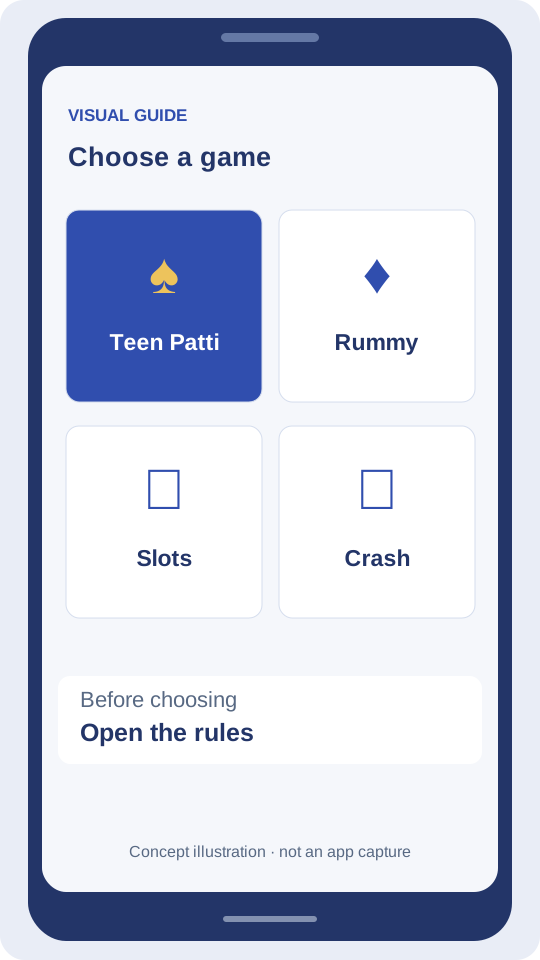
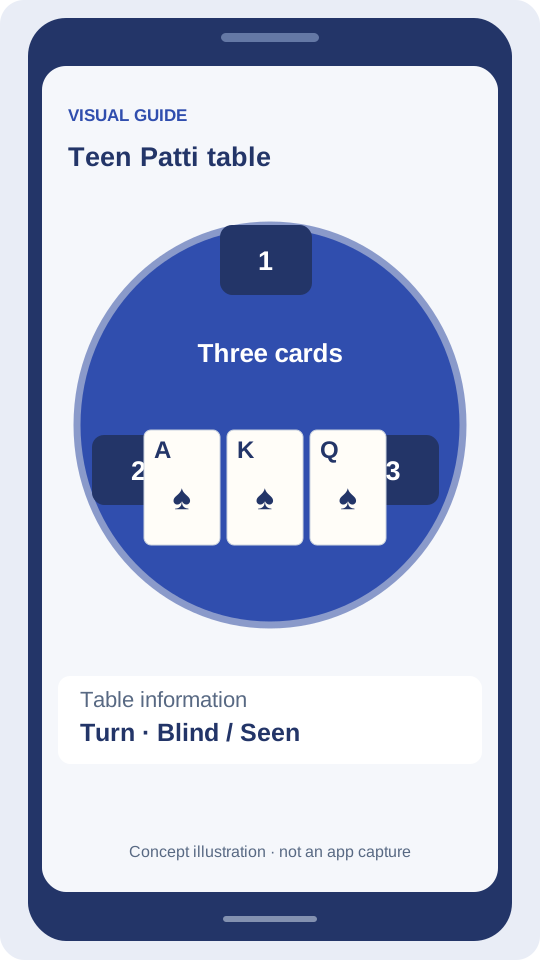
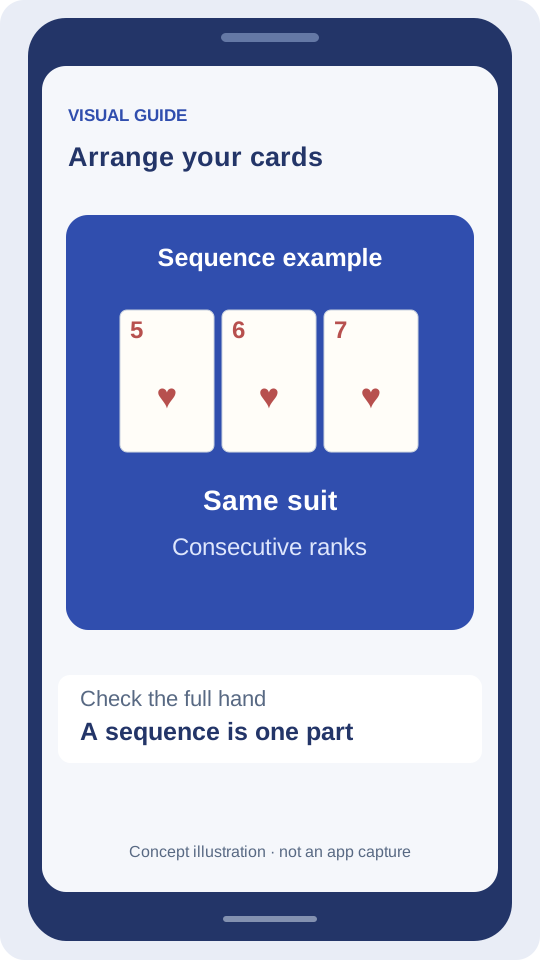
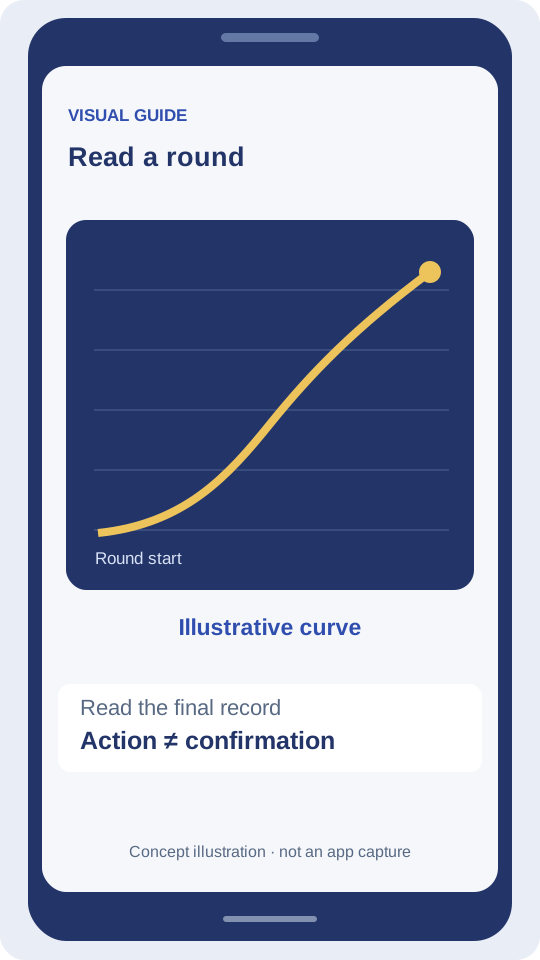
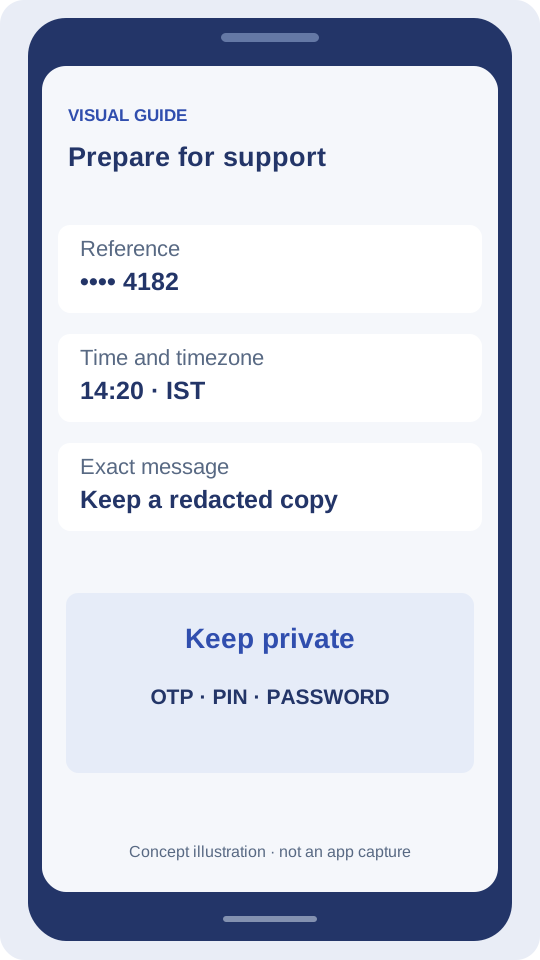
Swipe to see the next illustration.
Before you install
Confirm that the source is the one you intended to use. Allow enough space for installation, keep Android security scans enabled and stop if the system reports a risk. An APK is for Android; there is no iOS package supplied here.
Android installation: a visual walkthrough
Concept diagrams, not device or app screenshots. The permission example applies to newer Android versions; older devices may group the setting differently.
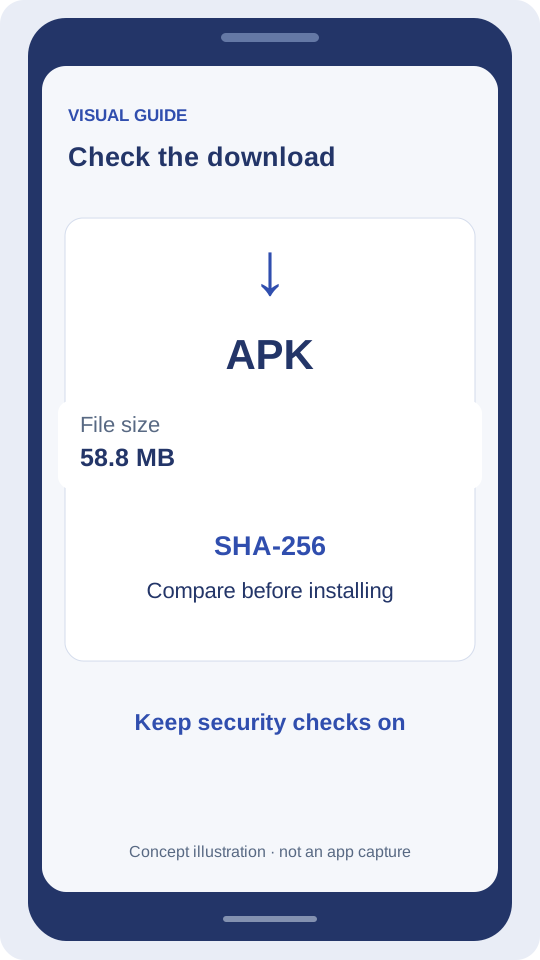
Review the file
Match the source, file size and checksum. Leave space for installation as well as the downloaded file.
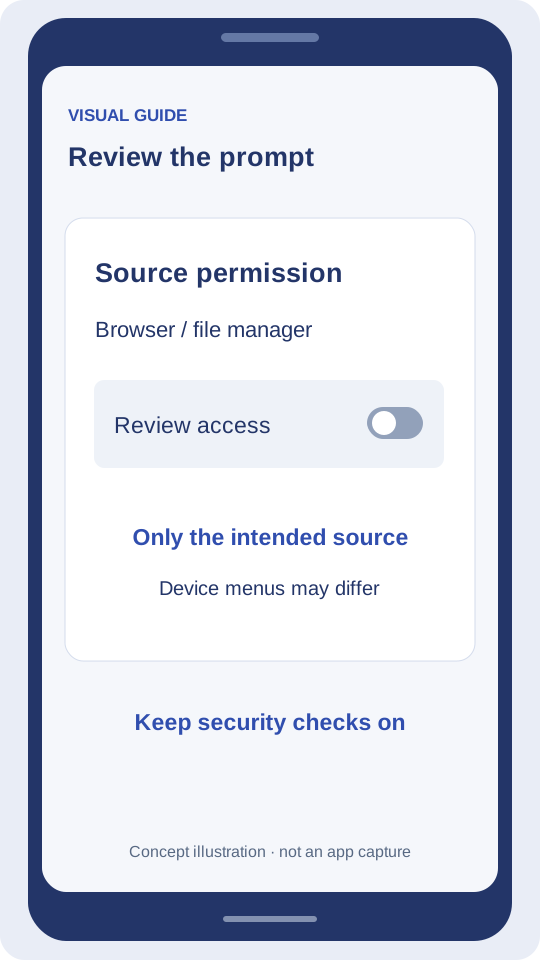
Review the Android prompt
On Android versions with per-source controls, review the app that is opening the file. Names and menus differ by manufacturer. Keep security scans enabled.
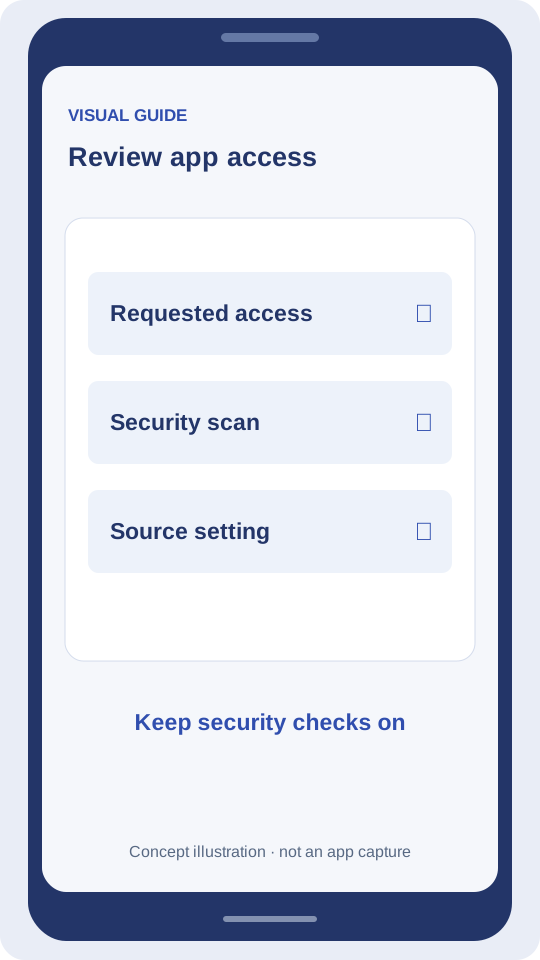
Finish the checks
After installation, review requested access and close the temporary source permission. If Android reports a risk, stop and investigate instead of bypassing it.
Download record and product updates
A file check and an app release are different events. The dates below record checks performed for this website; they are not a claimed launch date or a product changelog.
Swipe across to see all columns.
| Date | Record | What it establishes |
|---|---|---|
| 8 Oct 2026 | Package metadata inspected | Version 1.0; minimum Android API 21. No installed-app test. |
| 9 Oct 2026 | Download fetched and checksum compared | 58,822,105 bytes matched the SHA-256 listed above. |
| Product release notes | Awaiting product source | New modes, bug fixes and update dates have not been verified. |
Before replacing an installed app
Read the new file’s source and release details. Check how your account is recovered before uninstalling anything. If Android rejects an update, keep the exact message and ask the product support route; do not assume uninstalling will preserve local data.
Installation problems
Android says “App not installed”. What next?
Check a complete download, free storage and device compatibility. Note the error. Do not uninstall an existing app before understanding its data recovery.
Should I disable Play Protect?
No. Keep security scanning enabled. Review a warning instead of bypassing it. Google’s help explains how Play Protect checks apps from outside Google Play.